⛰️ TerraForm
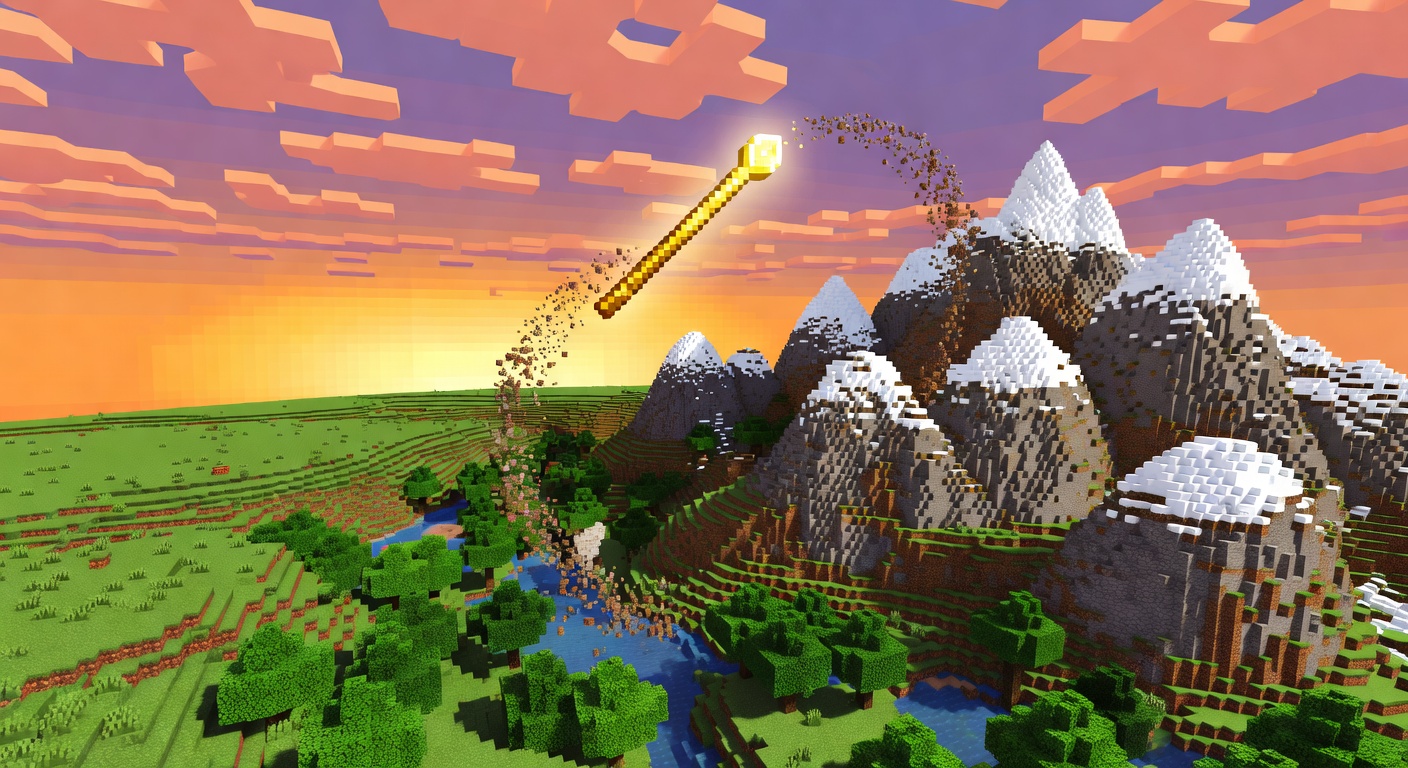
⛰️ Sculpt the world with a wave of your wand
Overview
TerraForm gives builders a wand-driven brush system for shaping the landscape live. Pick a brush type — RAISE, LOWER, SMOOTH, or PAINT — with a chosen radius and intensity, then right-click with the wand to apply it to the world. RAISE and LOWER add or carve away surface terrain, SMOOTH averages neighboring heights for natural slopes, and PAINT recolors biomes (left-click a block to sample a biome first). Every change is recorded per player, so /tf undo and /tf redo can step back and forth through your edits. With configurable limits, a custom wand material, and optional particle feedback, it is an approachable in-game alternative to heavyweight world-editing tools.
Features
Raise & lower
Build up or carve away surface terrain in a configurable radius and intensity.
Smooth brush
Averages neighboring heights to create natural-looking slopes and transitions.
Biome painter
Sample a biome by left-clicking, then paint it across an area with the PAINT brush.
Undo & redo
Per-player, multi-step undo and redo of every edit with /tf undo and /tf redo.
Custom wand
Apply brushes by right-clicking a configurable wand item, with optional particle feedback.
Commands
/tf brush <type> [radius] [intensity]Select a brush (RAISE, LOWER, SMOOTH, PAINT) with optional radius and intensity and receive the wand. Also supports /tf undo [steps] and /tf redo [steps]. Right-click the wand to apply; left-click samples a biome in PAINT mode.
Permissions
terraform.useAllows use of TerraForm commands.
Default: opInstallation
- 1Drop the .jar into your server's /plugins folder.
- 2Restart the server (targets Minecraft 1.21).
- 3Run /tf brush <type> to get the wand, then right-click terrain to sculpt.
Configuration
config.yml sets default and maximum brush radius and intensity, the number of stored undo steps, the wand material, and whether brush particles are shown.
🤖 TerraForm was created with Spaleforce AI.
Create your own for free