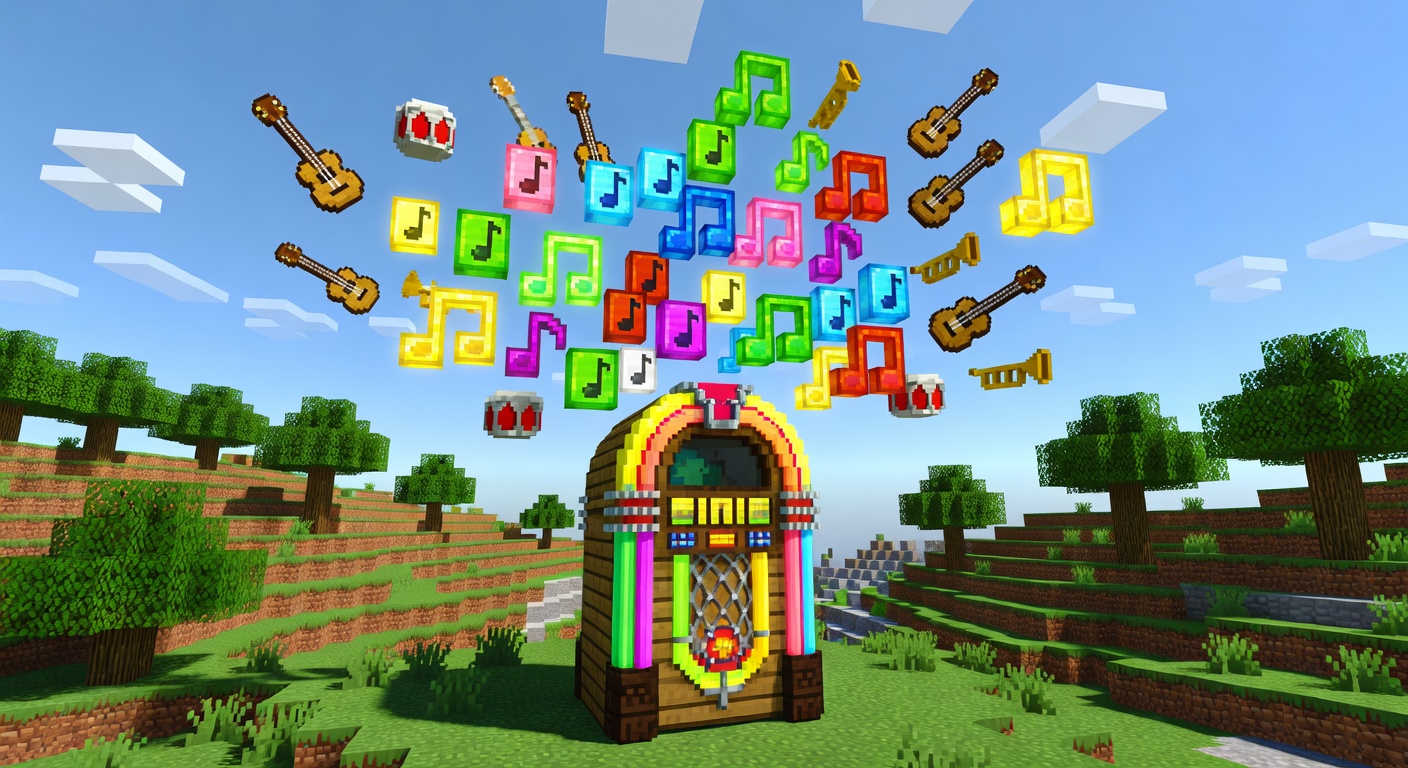
🎵 MusicPlayer
🎶 Live note-block music for your whole server
Overview
MusicPlayer reads .nbs (Note Block Studio) files from a songs folder and plays them server-side using vanilla note-block sounds, keeping the music perfectly in sync for every online player. Admins can play, stop, queue, loop, and reload songs at any time. A configurable "Now playing" broadcast announces tracks, songs can autoplay when the plugin enables, and the queue can auto-start when players join. It is a lightweight, dependency-free way to add ambience, lobby music, or event soundtracks to any 1.21 server.
Features
Note Block Studio support
Loads and parses .nbs songs (including newer NBS formats) directly from a folder.
Synced for everyone
Plays server-side so all online players hear the same music at the same time.
Queue & loop
Queue multiple songs to play back-to-back, or loop the current track endlessly.
Volume & broadcasts
Set playback volume and optionally broadcast a 'Now playing' message on each track.
Join automation
Optionally autoplay a default song on enable and start the next queued song when players join.
Commands
/music <play|stop|queue|list|reload|loop> [song]Control music playback: play/stop/queue/loop songs, list loaded songs, or reload config and the song folder.
Permissions
musicplayer.useAllows using basic /music commands (list).
Default: truemusicplayer.adminAllows controlling music playback (play, stop, queue, reload, loop).
Default: opInstallation
- 1Drop the .jar into your server's /plugins folder.
- 2Restart the server (targets Minecraft 1.21).
- 3Add your .nbs files to plugins/MusicPlayer/songs/ and run /music reload.
Configuration
config.yml controls the songs folder, default song, volume (0.0-1.0), looping, the now-playing broadcast, and auto-queueing songs when players join.
🤖 MusicPlayer was created with Spaleforce AI.
Create your own for free