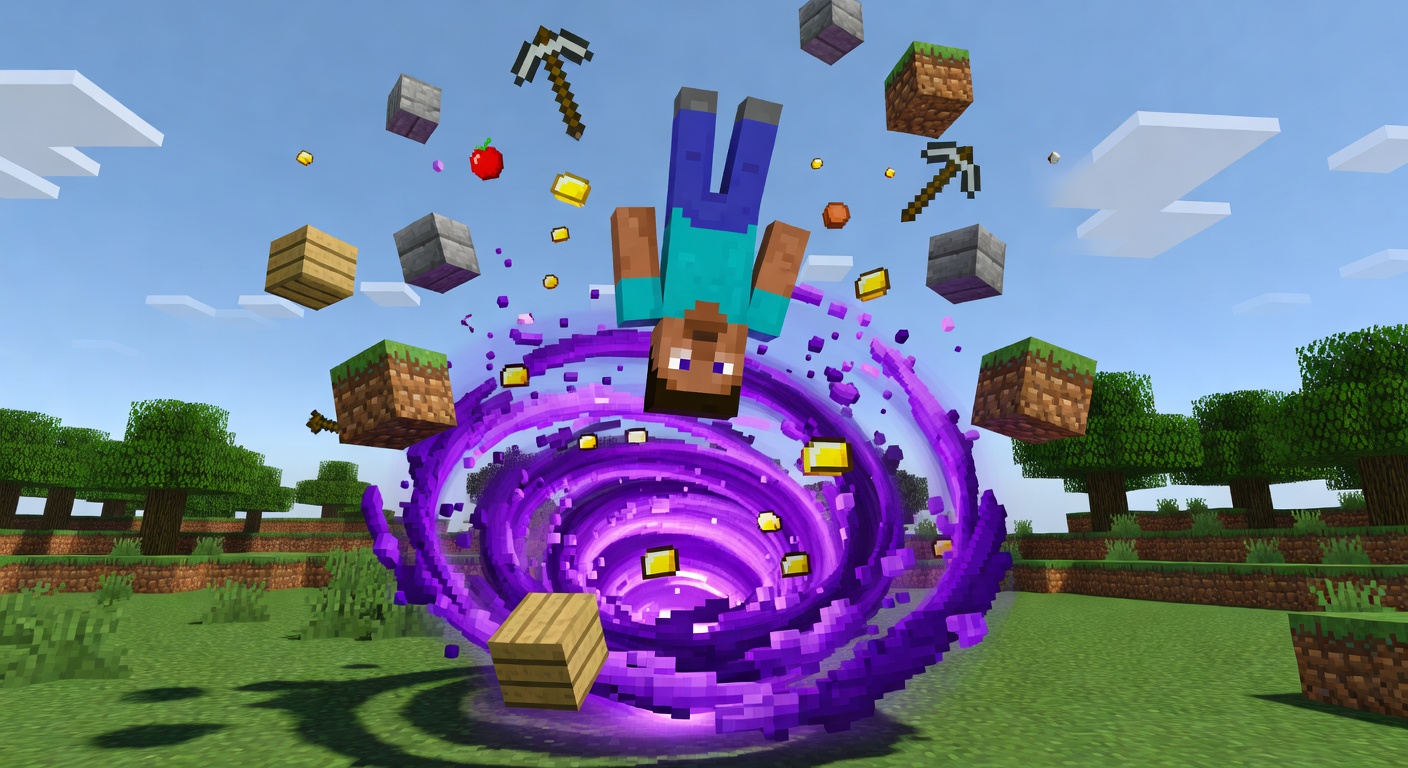
🌀 GravityShift
🌀 Flip gravity on its head and float skyward.
Overview
GravityShift inverts gravity for players, steadily pushing them upward instead of pulling them down. The effect lasts for a configurable duration, then gravity smoothly returns to normal. Players can toggle the shift on themselves, gated by a cooldown to prevent spam, while admins can force the effect on any online player with a custom duration capped by a configurable maximum. While shifted, players drift upward surrounded by a trail of cloud particles, and they're notified when their gravity returns.
Features
Gravity Inversion
Players float upward instead of falling for the duration of the shift.
Timed Effect
Each shift lasts a configurable duration, then gravity returns to normal.
Cooldown Control
A per-player cooldown stops players from re-triggering the shift too often.
Admin Override
Admins can force gravity shift on any online player with a capped custom duration.
Particle Trail
Cloud particles billow around shifted players as they drift skyward.
Commands
/gravityshift <player> [duration]Admin command to toggle gravity shift on any online player for an optional duration.
/gs <toggle|reload> [args]Player command: toggle [duration] flips your own gravity, reload reloads the config (admin).
Permissions
gravityshift.adminAllows administrators to toggle gravity shift for any player.
Default: opgravityshift.useAllows players to toggle their own gravity shift.
Default: trueInstallation
- 1Drop GravityShift.jar into your /plugins folder.
- 2Restart the server (Minecraft 1.21).
- 3Tune config.yml and run /gs reload to apply changes.
Configuration
config.yml sets the default-duration, the cooldown between activations, and the max-duration cap enforced on the admin command.
🤖 GravityShift was created with Spaleforce AI.
Create your own for free