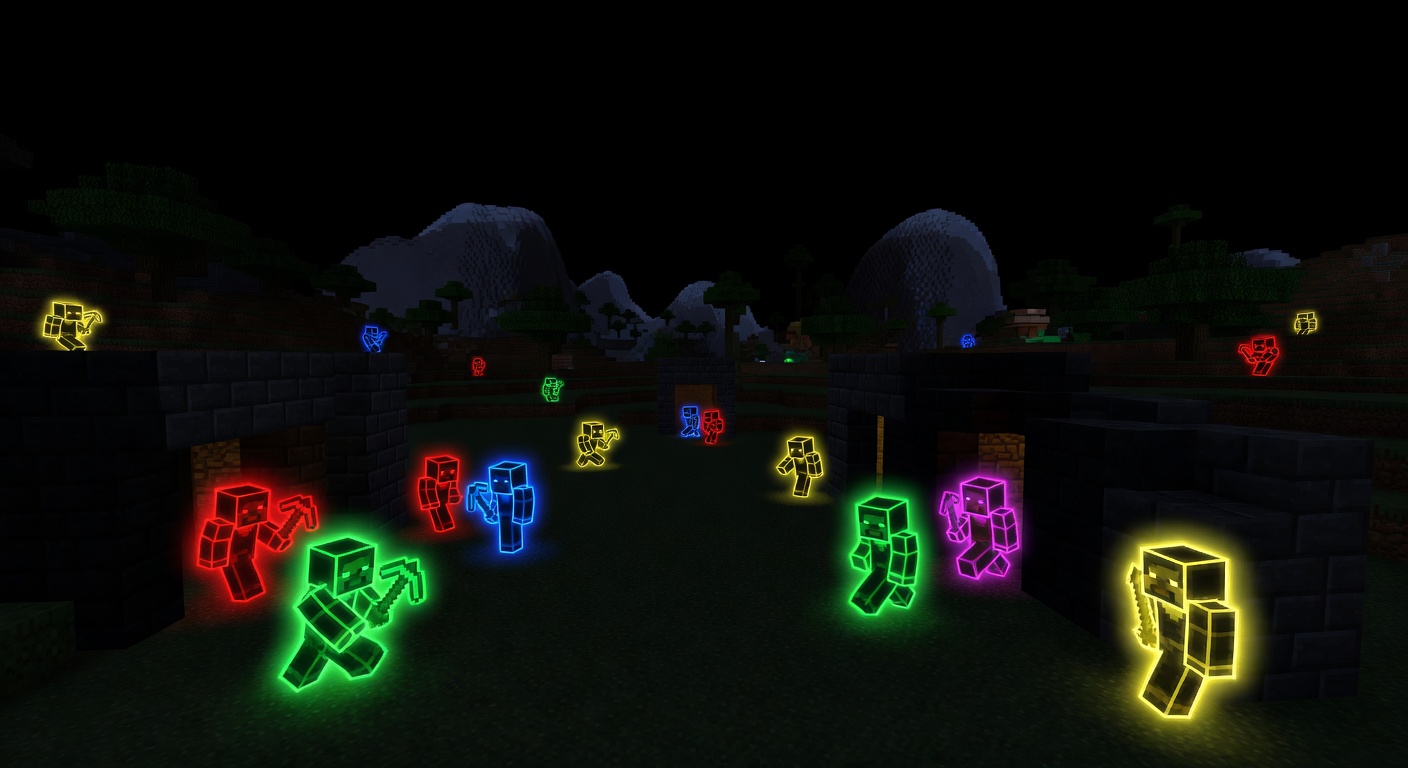
✨ GlowEffect
✨ Light yourself up with a glowing, colored outline.
Overview
GlowEffect gives every player a colored glowing outline that other players can see, perfect for events, roleplay, team identification, or just showing off. Colors are synced through a shared scoreboard, so what one player picks is visible to everyone online. Basic team colors are available to all players, while a separate permission unlocks the full palette of custom and rare colors. Staff can set or change another player's glow remotely with a single command. Glow state is remembered across sessions — if a player relogs, their outline is restored automatically.
Features
Visible glowing outline
Toggle a glow that other online players can clearly see.
Team & custom colors
Pick from basic team colors, or unlock the full palette with a custom-color permission.
Admin control
Staff can set any player's glow color remotely with /glow admin set.
Glow restore on rejoin
A player's glow is automatically reapplied when they reconnect.
Optional announcements
Broadcast a chat message whenever a player enables or disables their glow.
Commands
/glow <toggle|color|admin>Toggle your glow, set its color, or (as an admin) set another player's glow with /glow admin set <player> <color>.
Permissions
gloweffect.useAllows toggling glow and using basic team colors.
Default: truegloweffect.color.customAllows using custom/rare glow colors beyond the basic team set.
Default: opgloweffect.adminAllows setting glow on other players via /glow admin.
Default: opInstallation
- 1Drop GlowEffect.jar into your server's /plugins folder.
- 2Restart the server.
- 3GlowEffect targets Minecraft 1.21 and works out of the box.
Configuration
config.yml sets the default-color used when glow is toggled on, the list of basic team-colors available without the custom permission, and announce-toggle for chat broadcasts.
🤖 GlowEffect was created with Spaleforce AI.
Create your own for free