👻 EchoForge
👻 Replay your builds as a spectral ghost.
Overview
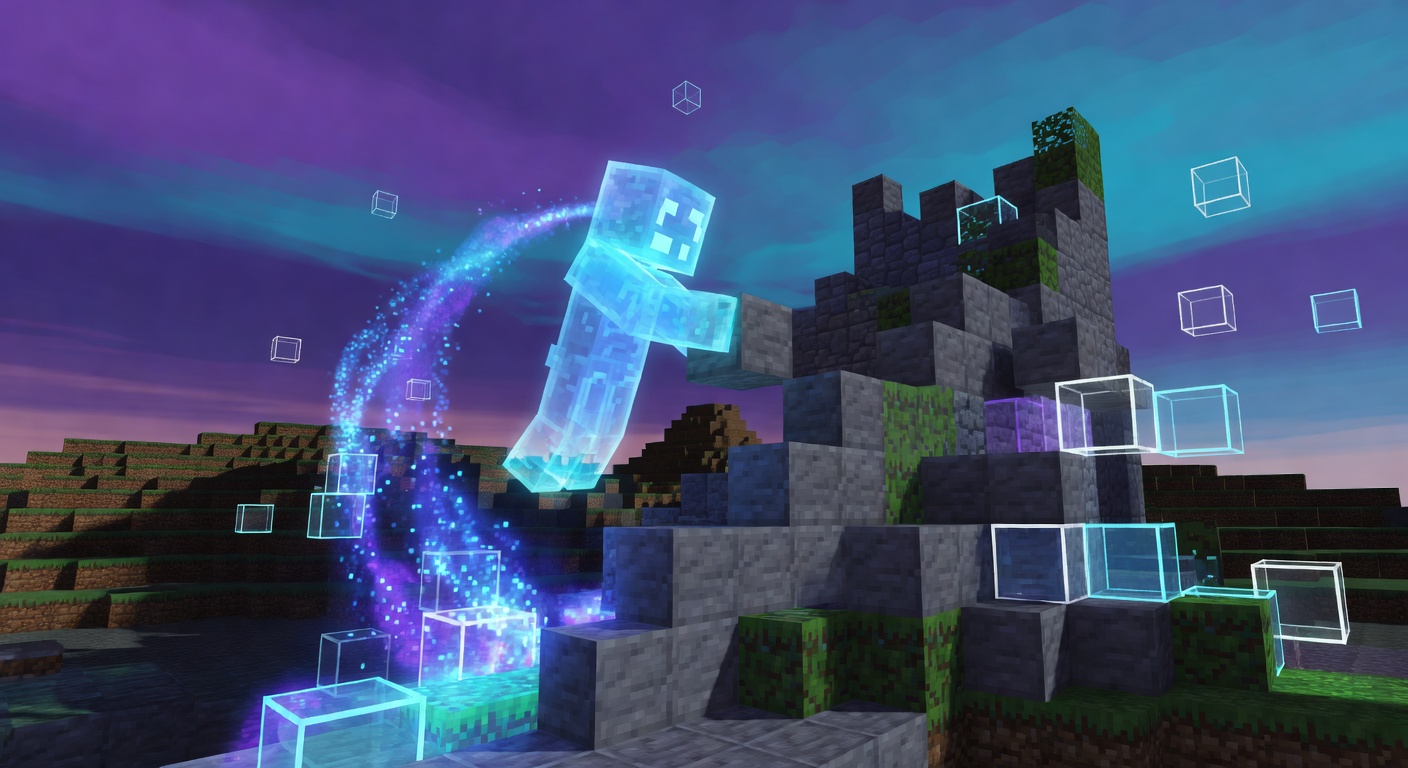
EchoForge records the way you build. Once a recording is started, every block you place or break is captured along with its timing offset, up to a configurable action limit. Running the record command again stops and saves the session to disk. Playing a recording back spawns a glowing armor-stand ghost wearing the recorder's head. It teleports to each action's location and re-creates the exact place and break events at the original pace — or faster if you pass a speed multiplier. With particle and glow effects, it's ideal for build time-lapses, tutorials, and haunting spectral construction scenes.
Features
Block Recording
Captures every block place and break with precise timing while recording is active.
Spectral Ghost Playback
Replays actions through a glowing armor-stand ghost wearing the recorder's head.
Adjustable Speed
Play back at the default speed or pass a multiplier up to the configured maximum.
Saved Recordings
Recordings are stored as YAML files and can be listed with owner and action count.
Glow & Particles
Optional glowing effect and witch particles make the ghost visible through walls.
Commands
/echo <record <name> | play <name> [speed] | list>record <name> starts or stops a recording, play <name> [speed] replays it as a ghost, and list shows saved recordings.
Installation
- 1Drop the .jar into your server's /plugins folder.
- 2Restart the server (Minecraft 1.21, api-version 1.21).
- 3Recordings are saved automatically under plugins/EchoForge/recordings/.
Configuration
config.yml sets max-actions-per-recording, default and max playback speed, playback-tick-interval, and a ghost section for glowing, particles, and the name-prefix shown above the ghost.
🤖 EchoForge was created with Spaleforce AI.
Create your own for free