🎨 PaintBall
🎨 Red vs blue, snowballs as paint
Overview
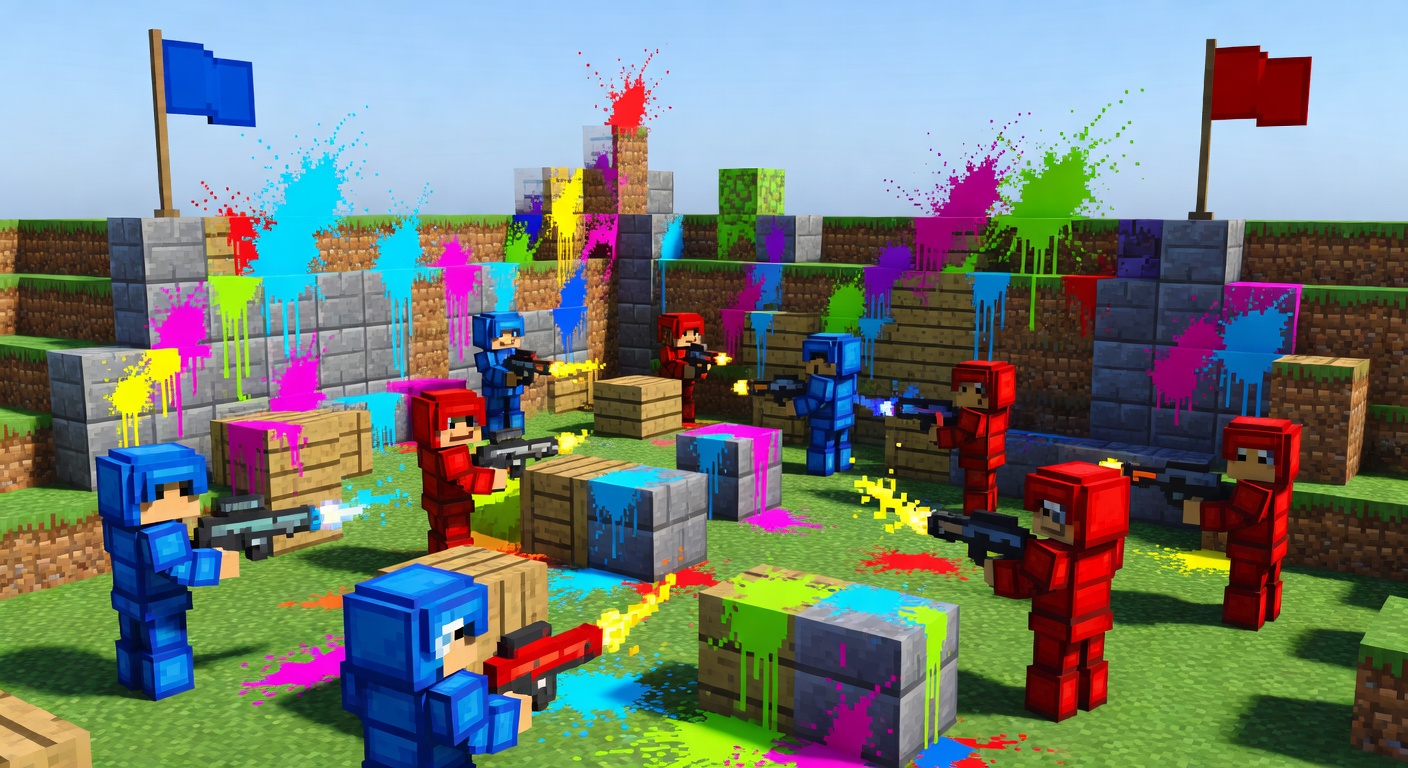
PaintBall is a snappy team mini-game where players join the red or blue team and battle by throwing snowballs as 'paint.' Each snowball that hits an enemy scores a point for the shooter's team and respawns the victim at their base with a full snowball stack. When a match starts, players are teleported to team spawns and equipped with team-colored leather armor. A live sidebar scoreboard shows both scores and the remaining time, while fall damage and melee hits are neutralized so only paint counts. When the timer hits zero, the higher-scoring team is declared the winner. With configurable spawns, team sizes, match length, and ammo, it drops easily into any lobby or event server.
Features
Two-team battles
Players join red or blue, with configurable max players per team.
Snowball scoring
Hitting an enemy with a snowball scores a point and instantly respawns them with fresh ammo.
Live scoreboard
A sidebar tracks both team scores and the match countdown in real time.
Auto team kits
Players are equipped with team-colored leather armor and a snowball stack at match start.
Timed matches
When the timer ends, the higher-scoring team wins, and everyone is returned to the lobby.
Commands
/pb <join|leave|start>PaintBall base command: join <red|blue> to pick a team, leave to exit, and start to begin a match once both teams have at least one player.
Installation
- 1Drop the .jar into your server's /plugins folder.
- 2Restart the server (targets Minecraft 1.21).
- 3Set lobby and team spawns in config.yml, then run /pb join <red|blue>.
Configuration
config.yml defines the lobby, red, and blue spawn points (world,x,y,z,yaw,pitch), the max players per team, the match duration in seconds, and how many snowballs each player gets.
🤖 PaintBall was created with Spaleforce AI.
Create your own for free