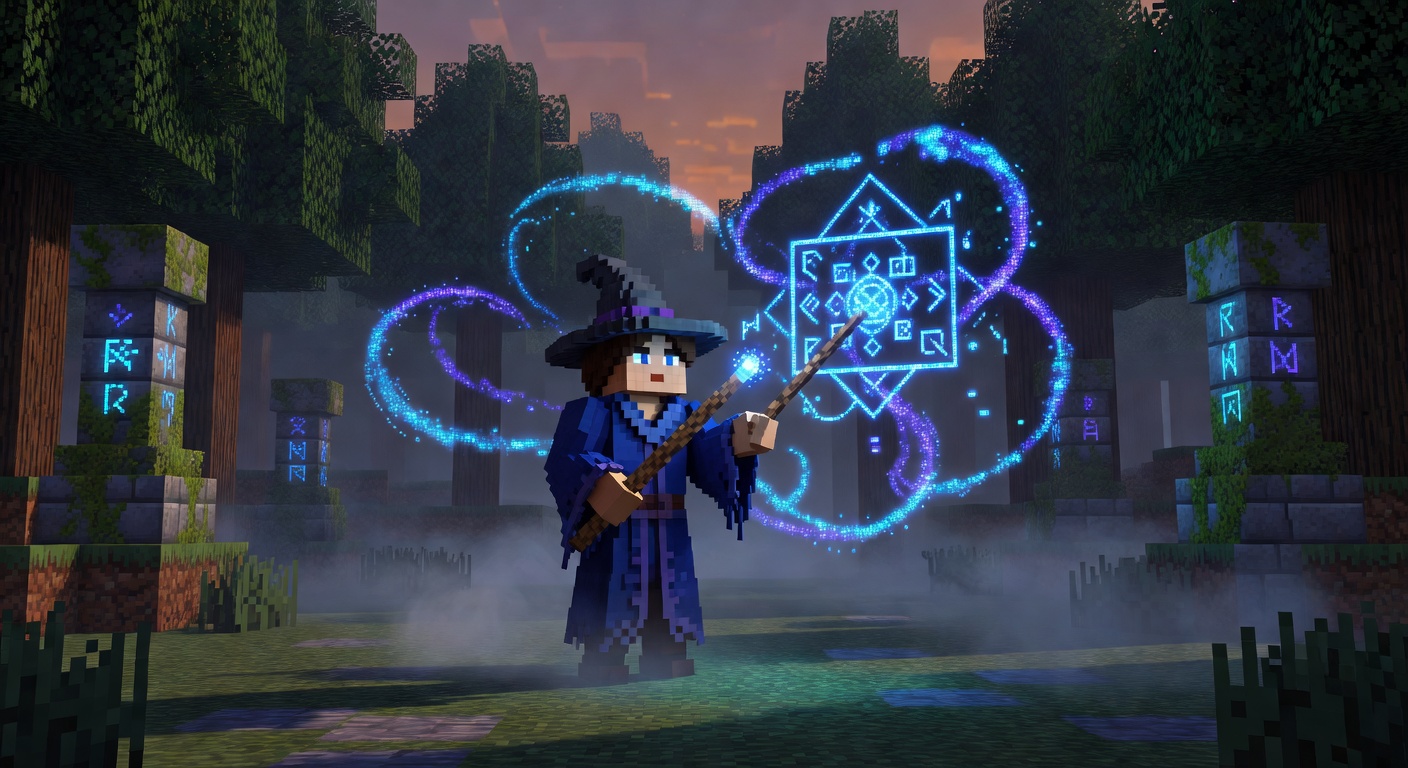
✨ GlyphForge
✨ Trace runes in the air to weave magic.
Overview
GlyphForge turns spellcasting into an act of drawing. Players hold the casting wand — a Blaze Rod by default — and trace shapes in mid-air. The plugin samples the wand's path, recognizes the glyph, and casts the matching spell. Built-in glyphs map to distinct effects: a circle raises an ice wall, a triangle erupts in a fire burst, a line calls down lightning, a square opens a gravity well that pulls entities inward, and a zigzag heals nearby players. Spell power and particle effects are tunable. Players begin knowing a handful of default glyphs and can learn more with /glyph learn, while admins can forge entirely custom glyph-to-effect mappings with /glyph create.
Features
Air-Drawn Casting
Trace shapes in mid-air with a wand and the plugin recognizes the glyph you drew.
Ice Wall
The circle glyph raises a wall of ice in front of you.
Fire Burst
The triangle glyph erupts in a burst that flings nearby entities away.
Gravity Well
The square glyph pulls surrounding entities toward the cast point.
Lightning & Healing
The line glyph strikes lightning, while the zigzag glyph heals nearby players.
Learn & Forge Glyphs
Players learn new glyphs over time and admins can create custom glyph-to-effect mappings.
Commands
/glyph <list|learn|create> [args]List known glyphs, learn a new glyph spell, or forge a custom glyph-to-effect mapping.
Installation
- 1Drop GlyphForge.jar into your server's /plugins folder.
- 2Restart the server.
- 3GlyphForge targets Minecraft 1.21 and is ready to use.
Configuration
config.yml controls glyph drawing limits (max time, minimum sample points, sample rate), spell power multiplier and particles, the wand material, and the list of glyphs known by default.
🤖 GlyphForge was created with Spaleforce AI.
Create your own for free