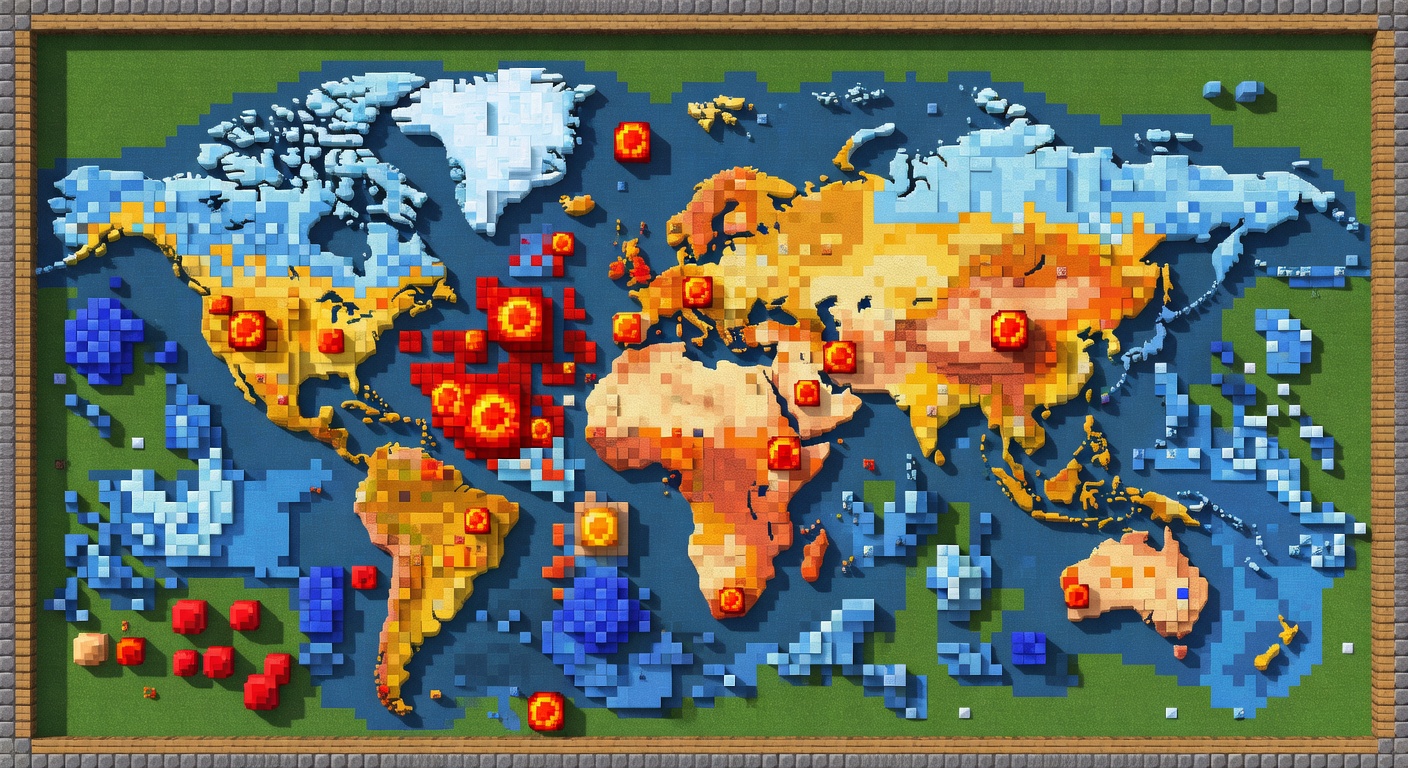
🔥 HeatMap
🔥 See where your players actually spend their time.
Overview
HeatMap silently tracks player movement across your world, counting how often players cross into each chunk to build a heat picture of your server. With that data you can find hotspots, dead zones, and traffic patterns: list the hottest chunks in chat, visualize the heat of your current chunk with particles, or export everything to CSV for deeper analysis. Heat data is saved on a configurable interval and the tracker automatically drops the coldest chunk once a maximum is reached, keeping memory in check.
Features
Movement Tracking
Counts player chunk crossings to measure traffic, ignoring same-chunk movement.
Top Chunks
Ranks and displays the most-trafficked chunks with /heatmap top [count].
Particle Visualization
/heatmap chunk reports the current chunk's heat and spawns witch particles above it.
CSV Export
Export all heat data to a CSV file for analysis in spreadsheets or tools.
Auto-Save & Cap
Heat data is saved on an interval and capped at a max chunk count by dropping the coldest entry.
Commands
/heatmap <top|chunk|export>top [count] lists the most-trafficked chunks; chunk shows your current chunk's heat and spawns particles; export writes a CSV of all heat data.
Permissions
heatmap.useAccess to the /heatmap command.
Default: opInstallation
- 1Drop HeatMap.jar into your server's /plugins folder.
- 2Restart the server (built for Minecraft 1.21).
- 3Adjust config.yml if desired — tracking starts automatically.
Configuration
config.yml controls the save interval and max tracked chunks, the particle count and default top-locations for display, and the export CSV filename.
🤖 HeatMap was created with Spaleforce AI.
Create your own for free