Free AI-Powered Tool

Minecraft AI Build
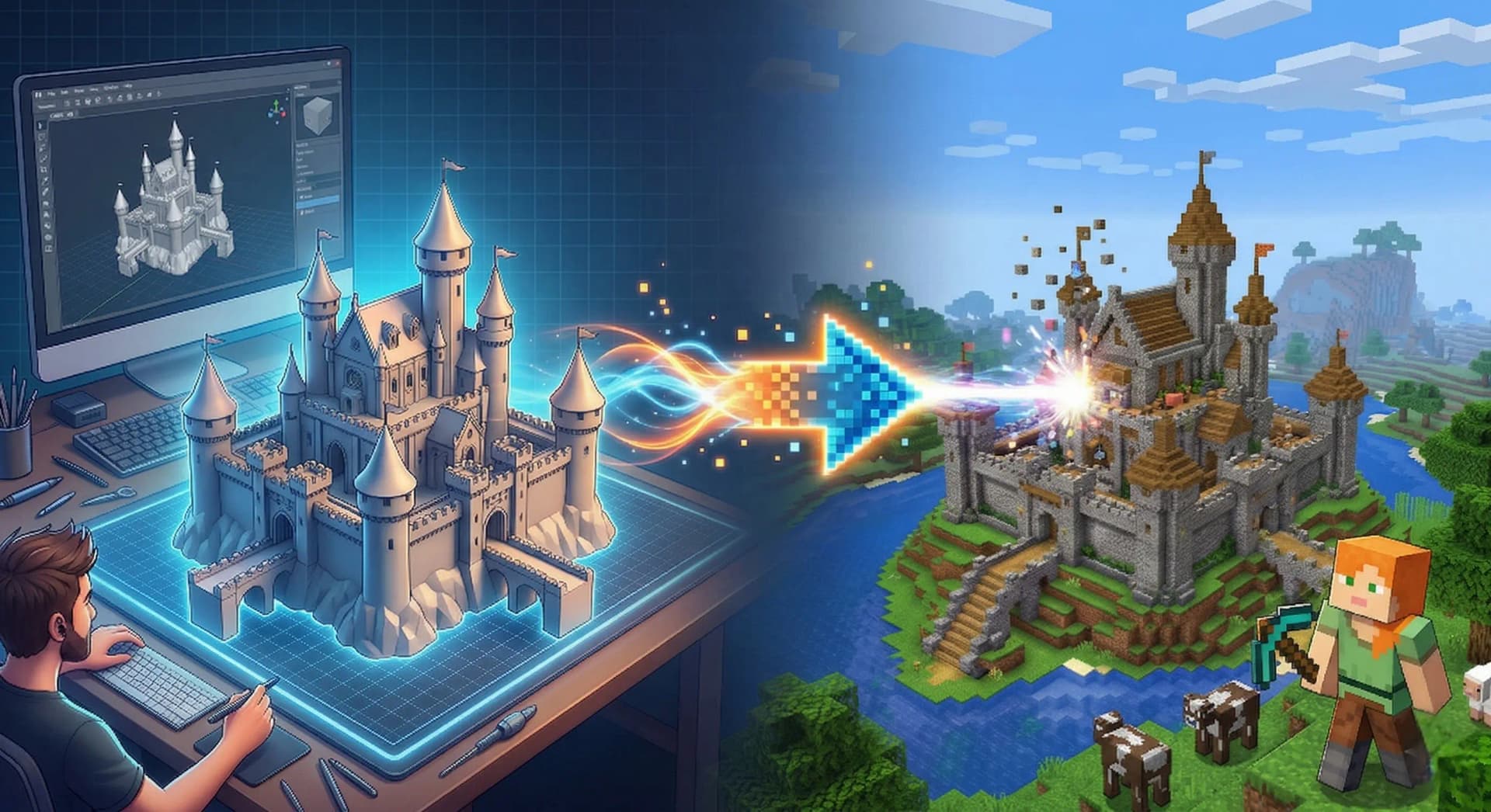
Convert any 3D model to a Minecraft schematic

Upload any .obj or .zip 3D model and get a WorldEdit-compatible .schem file automatically voxelized with perceptual color matching. Free to test, no signup required for preview.

Free to tryNo signup for previewWorldEdit & Litematica compatible

What is Minecraft AI Build?

Minecraft AI Build is a free online tool that converts any 3D OBJ model into a Minecraft schematic (.schem) file. Our AI-powered voxelizer uses perceptual LAB color matching to pick the best Minecraft block for every voxel, producing builds that look exactly like your original model.

Drop your .zip containing the .obj and .mtl files, see the voxelized preview instantly in 3D, then pay only if you want to download the final .schem. Works with any 3D model from Blender, Meshy.ai, Sketchfab, CGTrader, or any OBJ export.

OBJ to Schematic

Convert any .obj 3D model to a ready-to-paste .schem file for WorldEdit and Litematica.

AI Color Matching

Perceptual LAB ΔE color matching selects the best Minecraft block for every voxel — no more chaotic results.

Free 3D Preview

See the voxelized result in a 3D editor before paying. Adjust scale, palette, and re-preview instantly.

WorldEdit Ready

Sponge Schematic V3 format, compatible with WorldEdit 7.4+, Litematica, Axiom, FastAsyncWorldEdit.

How it works

1

Upload your 3D model

Drop a .zip with .obj + .mtl + textures, or a single .obj file. Supports up to 50 MB.

2

See the voxelized preview

Our voxelmapper runs BakeLab2-style baking + LAB color matching. The 3D preview shows the actual Minecraft blocks in seconds.

3

Download the .schem

Pay 20 credits to generate and download the Sponge Schematic V3 file. Paste it in Minecraft with WorldEdit //paste.

Perfect for

Characters (Iron Man, Spider-Man, Goku…)
Vehicles (cars, planes, spaceships)
Weapons (swords, guns, lightsabers)
Statues & monuments
Furniture & props
Architecture from Blender
Custom builds from Meshy.ai

Frequently Asked Questions

Q.Is Minecraft AI Build free?

The 3D preview is 100% free — upload your model, see the voxelized Minecraft blocks in our 3D editor, no signup required. You only pay 20 credits to download the final .schem file.

Q.What formats are supported?

Upload .obj files or .zip archives containing .obj + .mtl + textures (.png, .jpg, .webp). Maximum size: 50 MB.

Q.Is the .schem compatible with WorldEdit?

Yes — we export Sponge Schematic V3 format, fully compatible with WorldEdit 7.4+, Litematica, Axiom, and FastAsyncWorldEdit. Use //schem load and //paste.

Q.How does AI color matching work?

Our voxelmapper bakes the model's textures (BakeLab2 Albedo technique), quantizes colors in CIE LAB perceptual space with k-means++, then matches every voxel to the nearest Minecraft block using ΔE distance. A 3D coherence filter then smooths isolated blocks to produce uniform color regions.

Q.Can I use models from Meshy.ai, Blender, or Sketchfab?

Yes — any .obj export from any 3D software works. We've tested Meshy.ai, Blender, Sketchfab, CGTrader, TurboSquid, and custom exports. Just make sure the .zip contains both the .obj and .mtl files with their referenced textures.

Q.What's the maximum build size?

Build sizes from 5×5×5 (XS) to 80×80×80 blocks (XL). XL is perfect for large statues and monuments. Larger builds take longer to generate (2-10 minutes for XL).

Q.Does it work with modded Minecraft blocks?

No — only vanilla Minecraft 1.8 to 1.21.5 blocks are used. You can target a specific version in the editor.

Ready to convert your 3D model?

Upload any .obj and see the Minecraft voxelized preview in seconds — free, no signup.