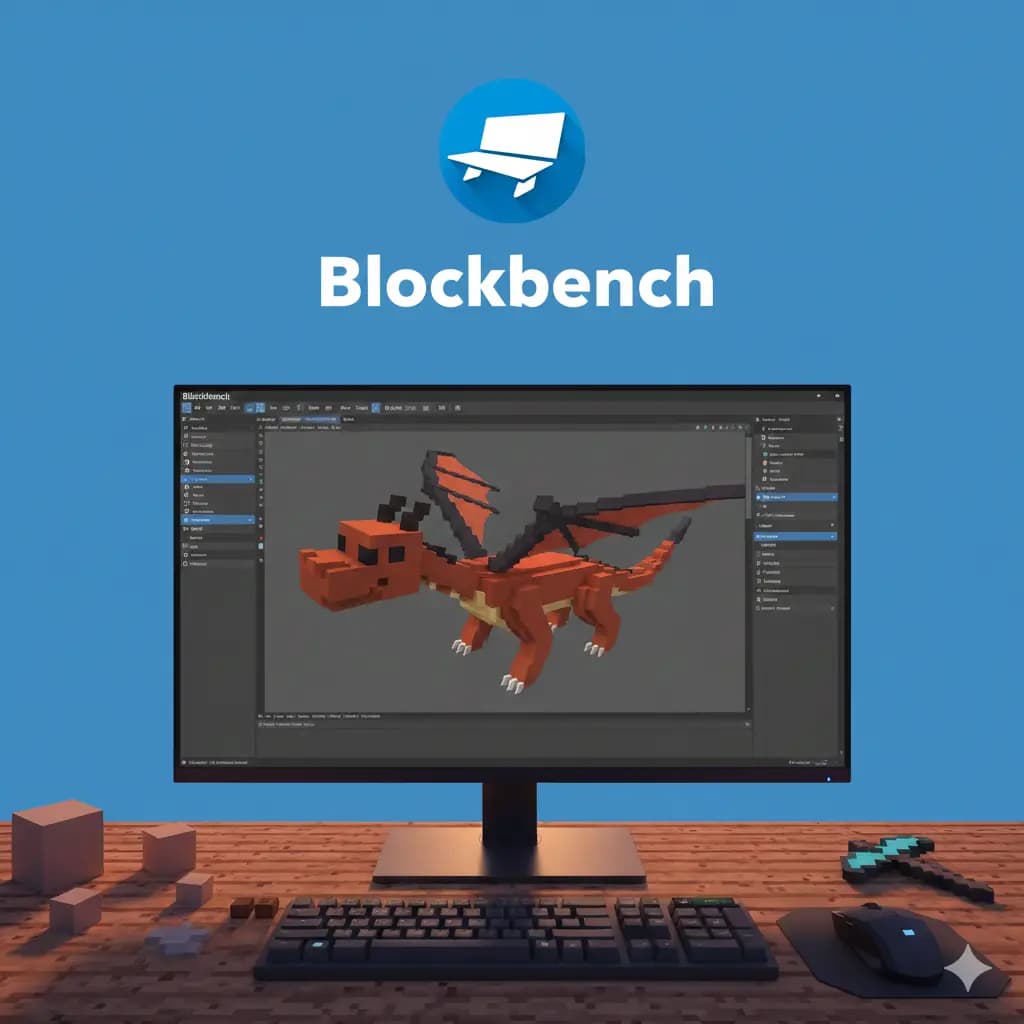
AI Blockbench models

Blockbench model generator: Minecraft 3D models from a prompt

Describe a sword, a lantern or a market stall, and our AI builds it as a cubic, Minecraft-style model with a pixel-art texture, in Blockbench's .bbmodel format. You check it in 3D in your browser and refine it in the built-in editor.

Free to start · No credit card

Blockbench model generator: a cubic Minecraft 3D model with a pixel-art texture generated by AI

Native .bbmodel format

Models come out as Blockbench projects, with cubes, UV mapping and texture together in one file.

Pixel art that fits Minecraft

Cubic geometry and a pixel-art texture, so the model sits naturally next to vanilla items and blocks.

V2 for all, V3 on Ultimate

Every account uses the V2 generator. Ultimate adds V3, our most advanced 3D AI, for 5 models a day.

3,000+ models generated

More than 3,000 Minecraft 3D models have already been generated on Spaleforce.

What a .bbmodel file contains

Blockbench is the free 3D editor most Minecraft creators use for custom items, furniture and props. Its project format, .bbmodel, keeps everything in one file: the cubes that form the model, their rotations and pivots, the UV mapping and the texture itself.

Because the whole project lives in one place, a .bbmodel opens in Blockbench exactly as it was generated. From there you can move a cube, repaint a pixel or export the model to the format your plugin, mod or resource pack expects.

The generator writes that format directly, so the model you inspect in the browser preview is the same project you open afterwards.

Cubic geometry and pixel-art textures, the Minecraft way

A Minecraft model is not a smooth mesh. It is built from boxes, often only a few units thick, arranged so the silhouette reads well at the size of an item in hand or a prop in the world. The AI works the same way: shapes made of cubes, proportioned for the game.

The texture follows the same logic. Instead of a painted, photographic surface, each face gets pixel art in a limited palette, with the kind of shading vanilla items use. A handle reads as wood, a blade reads as metal, and the model does not clash with the rest of the game.

Precise descriptions give better models. Name the main parts, their materials and colors, and the rough size: “a short sword with an iron blade, a golden cross guard and a leather-wrapped grip” gives the AI far more to work with than “a cool sword”.

V2 and V3: two AI Blockbench model generators

Every account can use the V2 generator, free plan included. It builds the structure of the model and paints its pixel-art texture, which covers most weapons, tools and decorations.

V3 is reserved for the Ultimate plan, with 5 models per day. It is our most advanced 3D AI: the structure is finer and the pixel-art textures are cleaner, which shows on detailed objects. A market stall, a street lantern and a medieval sword are among the models generated with V3.

Ultimate also includes the .bbmodel download, so you can take your models straight into Blockbench.

  • V2: every plan, structure plus pixel-art texture
  • V3: Ultimate, 5 models per day, finer structure and cleaner textures
  • .bbmodel download: included in Ultimate

Refine the model in the built-in 3D editor

Every generated model opens in a 3D editor in the browser. You can turn it around, zoom in on details and review its structure, the list of parts that make up the model.

When something is off, describe the fix in plain words. Ask for a texture change, such as colors, patterns or appearance, or a structure change, such as shape, size or position: “make the blade longer”, “add a red gem to the pommel”. Earlier versions stay in the history.

Each modification uses one generation from your daily quota, so group related changes into a single request.

Using AI Minecraft models with ItemsAdder, Oraxen and ModelEngine

Server owners use custom models to add items and furniture without asking players to install mods. ItemsAdder and Oraxen deliver those models through a resource pack, so players see your custom sword or chair while the server keeps running Paper.

ModelEngine takes another approach and displays Blockbench models on entities, which suits larger props and custom entities. Modders reuse the same models in their resource packs and mods.

In every case, open the .bbmodel in Blockbench and export it the way the tool expects, following that plugin's documentation. The generator gives you the model and its texture; configuring each plugin stays on your side.

How it works

  1. 1

    Describe the object

    Name it, list its parts, materials and colors, and pick a category such as weapon, tool, furniture or decoration.

  2. 2

    Choose V2 or V3

    V2 is open to everyone. On Ultimate, use V3 for finer detail, up to 5 models a day.

  3. 3

    Check it in 3D

    The model appears in the browser viewer with its texture, ready to inspect from every angle.

  4. 4

    Refine and export

    Adjust the texture or the structure in the editor, then open the .bbmodel in Blockbench (download included in Ultimate).

Blockbench model prompts to paste

Medieval longsword
A medieval longsword with a straight steel blade, a wide iron cross guard, a brown leather grip and a round brass pommel.
Street lantern
A tall black iron street lantern with a square glass lamp on top, a warm yellow light inside and a small decorative base.
Market stall
A wooden market stall with a red and white striped awning, a counter holding crates of apples and carrots, and two support posts.
Armchair
A cozy armchair with a dark oak frame, green fabric cushions and short carved legs, sized to fit one block.
Battle axe
A double-headed battle axe with dark iron blades and a long spruce handle wrapped in red cloth near the top.
Potion shelf
A small wall shelf holding three potion bottles in red, blue and purple, with a carved wooden bracket underneath.

Frequently asked questions

Is the Blockbench model generator free?

You can start at no cost by signing in with Google. Every account can generate models with V2, view them in 3D and edit them in the browser, within the free plan's 5 AI generations or modifications per day. The V3 generator and the .bbmodel download are part of Ultimate (€50/month).

What is a .bbmodel file?

It is Blockbench's project format. One .bbmodel holds the model's cubes, pivots, UV mapping and texture, and opens in Blockbench as is.

What is the difference between V2 and V3?

V2 is available to everyone and builds the structure plus a pixel-art texture. V3, on Ultimate with 5 models per day, is our most advanced 3D AI, with finer structure and cleaner textures.

Can it generate mobs or armor?

Not yet. The generator is tuned for props: weapons, tools, furniture, food, nature and decoration. Mobs, armor and full blocks are not supported for now.

Can I use the models with ItemsAdder, Oraxen or ModelEngine?

Yes. Open the .bbmodel in Blockbench and export it as each plugin requires. The models also fit resource packs and mods.

Do I need to know Blockbench?

Not to generate or adjust a model: the built-in editor works with plain-language requests. Blockbench is useful afterwards, to export the model or make manual touches.

Where can I find ready-made Minecraft models?

The Spaleforce marketplace lists public 3D models shared by the community, alongside plugins: more than 3,100 items in total.

Generate your first Blockbench model

Describe an object, check it in 3D and refine it in the editor. Free to start with V2, no credit card needed.

Generate a 3D model

Updated September 17, 2026